
Let Huddle send invitations, sign-in codes and email summaries from a Gmail account with an app password.
Email is optional. Without it, invitations are links you share yourself and everyone signs in with an authenticator app. With it, Huddle also emails invitations, sign-in codes and summaries of missed messages. This page shows how to set it up with a Gmail account in about five minutes.
How it works
Huddle sends email from a normal Gmail account. To let it, you create an app password: a special password Google gives you for one app, separate from your real password. You don’t need any other email service or technical setup. A free Gmail account can send about 500 emails a day, which is plenty for a small team.
Huddle only sends from the account. It never reads, stores or deletes mail in it.
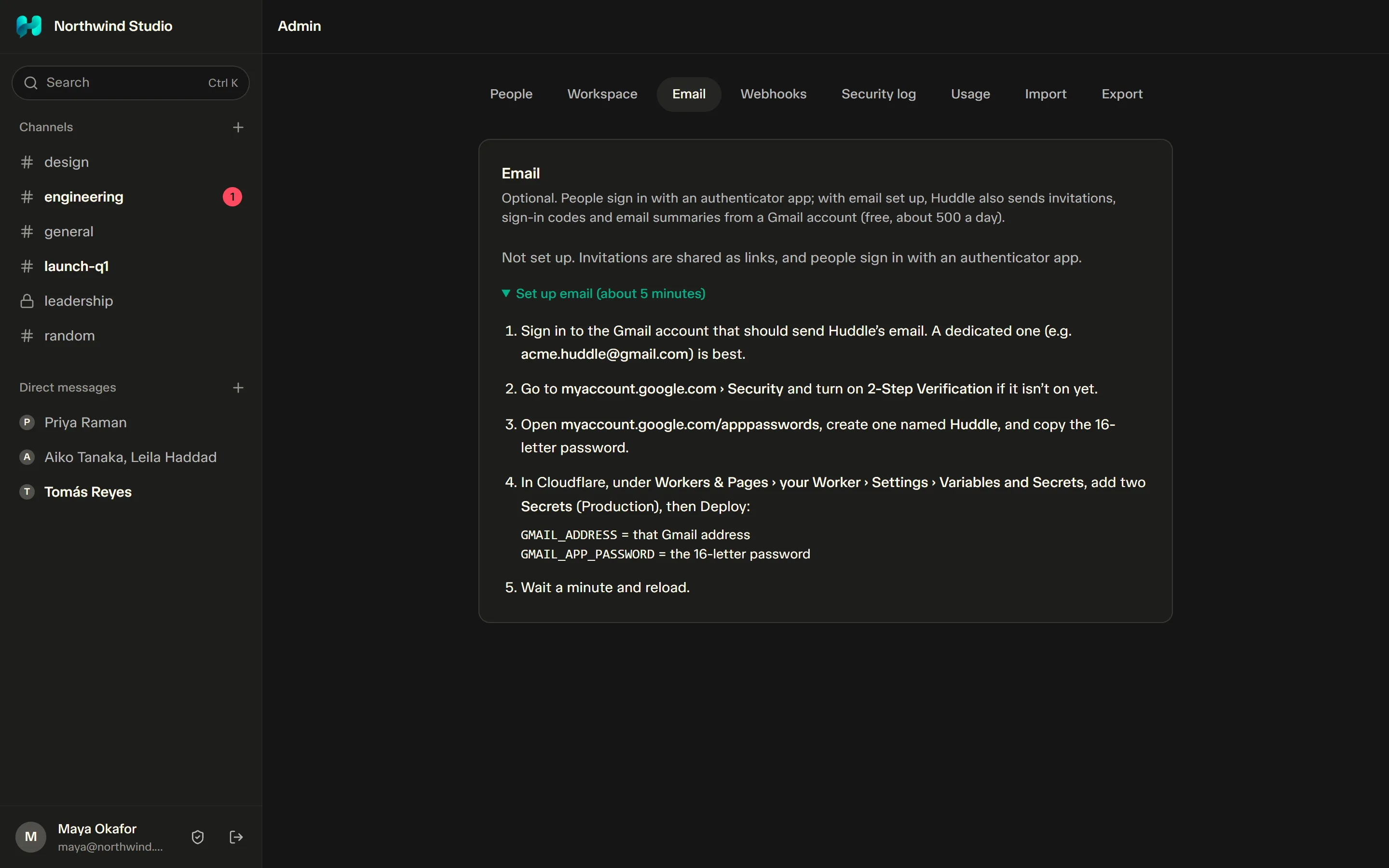
Set it up
- Sign in to the Gmail account that should send Huddle’s email. A dedicated one, such as
northwind.huddle@gmail.com, is best. - Go to myaccount.google.com › Security and turn on 2-Step Verification if it isn’t on yet. Google only offers app passwords with it on.
- Open myaccount.google.com/apppasswords, create one named Huddle, and copy the 16-letter password.
- In Cloudflare, open Workers & Pages › your Worker › Settings › Variables and Secrets and add two Secrets:
GMAIL_ADDRESS: the Gmail addressGMAIL_APP_PASSWORD: the 16-letter password
- Deploy, wait a minute and reload Huddle.
Optionally, add EMAIL_FROM to choose the name people see on Huddle’s emails, for example Northwind Huddle <x@example.com>. Only the name is used.
Check it works
Open Admin › Email. It now says Sending from your Gmail address. Select Send me a test email; it goes to your own address.
What Huddle sends
| When | |
|---|---|
| Invitation | When an owner or admin invites someone |
| Sign-in code | When someone asks for a code on the sign-in page |
| Email summary | When someone has unread mentions, direct messages or thread replies (see Notifications) |
| Test email | When you select Send me a test email |
Sign-in codes only go to people who could actually sign in: existing members, or people with a pending invitation. Anyone else gets the same “sent” message on screen, but no email, so the sign-in page can’t be used to find out who is a member or to use up your daily sending.
The daily budget
Huddle counts every email it sends. Once 80 have gone out in a day, it stops sending summaries until the next day, so sign-in codes and invitations always have room. Admin › Usage shows today’s count under Emails sent today.
Change or remove the account
Update GMAIL_ADDRESS and GMAIL_APP_PASSWORD in Cloudflare and deploy. To turn email off, delete both. To stop Huddle’s access from Google’s side, delete the app password at myaccount.google.com/apppasswords.
If email doesn’t arrive
- Check the spam folder, and mark the message as not spam. Sending from a dedicated Gmail that people add to their contacts helps.
- Make sure 2-Step Verification is still on for the Gmail account. Turning it off deletes its app passwords.
- Use Send me a test email: if it fails, the message says why.